
 Reactions


 Packages
Telegram Emoji Reactions
- Boost your Telegram emoji reactions and give your account a stronger presence.
$0.04/ 1K
You are hereBuy Telegram reactions to add emoji responses to your channel posts and give your content another way to attract attention. Telegram post reactions let subscribers respond to a post with a simple emoji instead of writing a comment. From a thumbs up or heart to a fire or celebration emoji, each reaction adds a visible response beneath your content.
Trusted by Businesses & Agencies


Find a Telegram reactions package that matches the quantity and reaction style you have in mind. Different posts may call for different responses. A product announcement, a community update, and an entertaining channel post can each benefit from a different emoji choice.
Our Telegram reactions packages allow you to compare available quantities and prices before ordering.

Weekly recap is out — the 7 stories that mattered, in 3 minutes.
📊 Morning brief: majors hold key support, gas fees at a 3-month low. Full summary below.
🧵 5 tokens our readers watched most this week — and what actually moved them. Short version inside.
Illustrative example
Register on our platform to access your dashboard, explore Telegram reactions packages, and manage your orders.
Select your preferred Telegram reactions package, choose the available emoji option, and prepare the link to your Telegram post.
Add funds to your account using one of the available payment methods before submitting your order.
Enter your Telegram post link, review the order details, and submit your request. You can check the latest available order status from your dashboard.
Feedbacks From Celebrities
Creators and public figures who grow with smm.ist.
“I share my trades regularly on Twitter, and getting consistent reach is key. smm.ist helped increase visibility over time and brought in more people actually interested in the content. Solid tool overall.”

“I run my 3D printer figure business on social media properly thanks to smm.ist for 3 years. Support team is legend, especially Erick take cares of my orders fastly.”

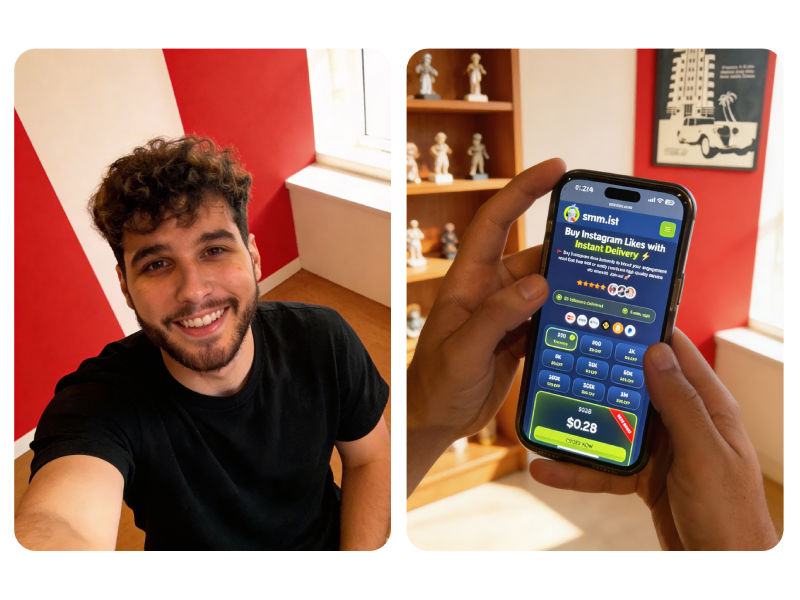
“We use smm.ist occasionally for client campaigns. It’s been a reliable backup when we need quick results.”

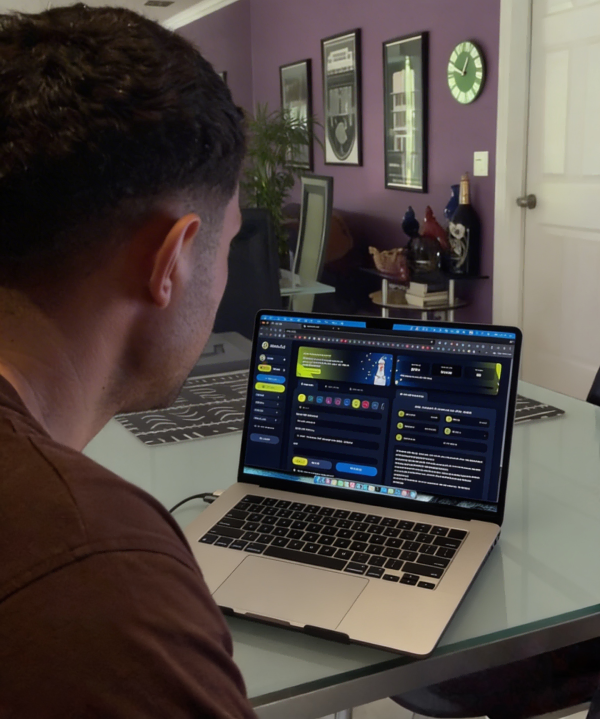
“We built our last 3 shooting campaigns through smm.ist. It's consistent and fast. 500K likes in less than a week is crazy!”

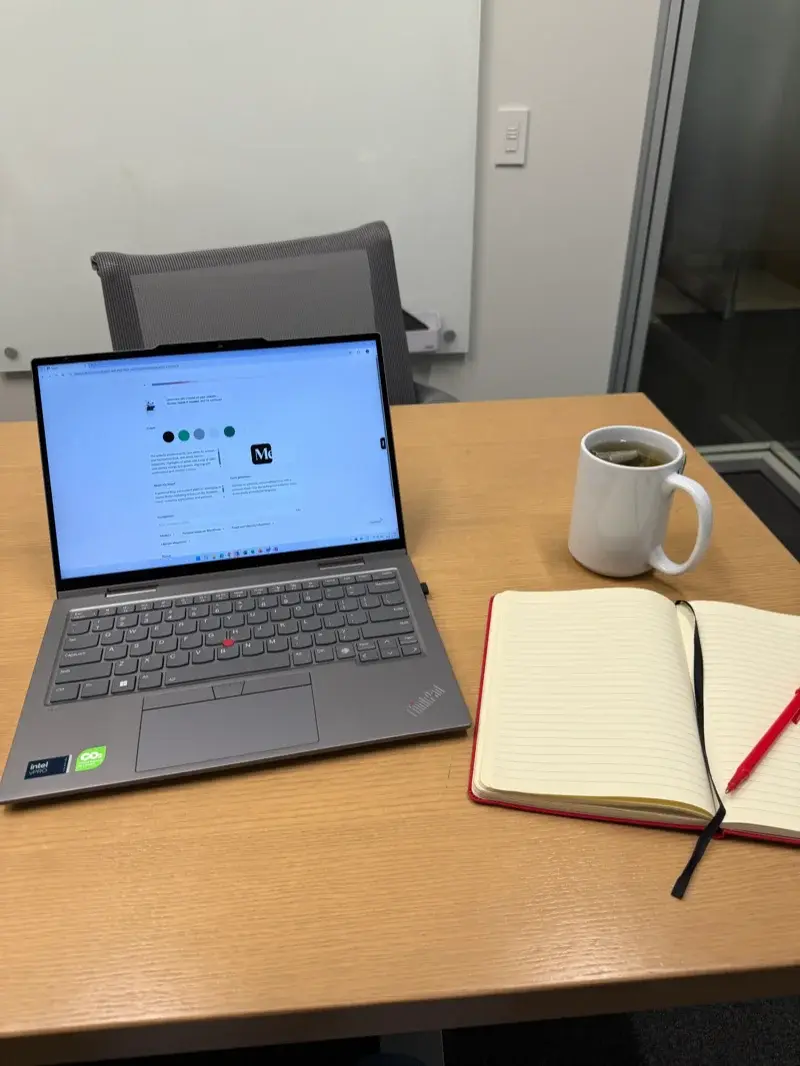
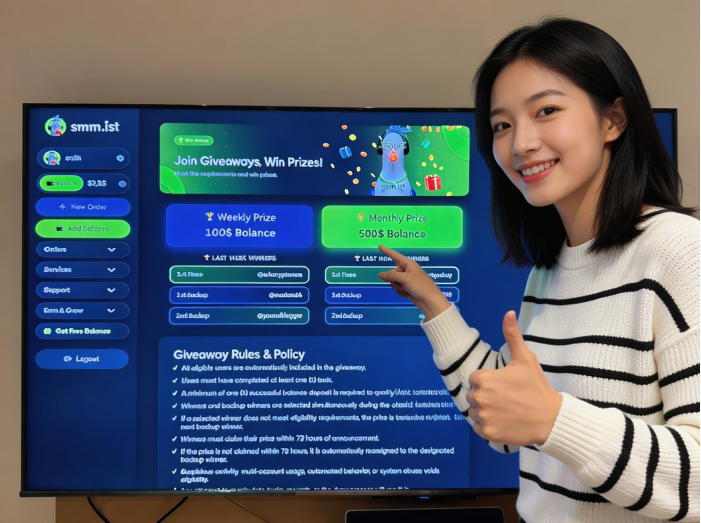
“Joined monthly giveaway on smm.ist, just to try my luck and ended up winning $500 balance.”

“As a fitness coach, visibility is everything. I managed to grow one of my posts from around 150K to nearly 1M impressions in a short time. The growth felt steady and brought in more relevant followers.”

“At first I just wanted to give a small push to a few of my beauty posts, nothing too serious. But after a few weeks, my account grew by around 40K followers. What I liked most was that it didn’t mess with the overall feel of my page.”

“Used smm.ist to boost a post and the views increased faster than usual. Now I am permanent here.”

“Using smm.ist for our Dubai car rental business. The growth was steady and felt organic. Not instant, but definitely effective.”

An emoji can change the tone of a response. A heart communicates appreciation, a fire emoji expresses excitement, and a thumbs up offers a simple sign of approval. Choosing suitable Telegram emoji reactions helps keep the responses consistent with the message of your post.

Available reaction options depend on the packages offered and the reaction settings of the destination channel. Review the choices displayed in the package area before selecting an option.
Single emoji reactions use one selected emoji across the order. This option works well when you want a consistent response beneath a particular Telegram post.
For example, a love reaction can fit a personal announcement or a community milestone. A fire emoji may suit an exciting update, while okey offers a straightforward response to an informative post.
When choosing a single reaction, think about the message your post communicates. A relevant emoji looks more natural in context than a reaction that has little connection to the content.
Mixed Telegram reactions combine different emojis within the same order, provided the selected package supports this option. Instead of displaying one repeated reaction type, a mixed package can include several available emojis.
This option can suit channels that publish varied content. A news update, a product announcement, and a community post may receive different kinds of responses. Mixed reactions offer more variety across the available emoji selection.
Check the package description for the supported emoji combinations. The available mix may depend on the service option you select and the reactions permitted by your Telegram channel.
Telegram supports different reaction styles, including positive and negative expressions.
The distinction matters when selecting a reaction package. A positive reaction set may suit promotional announcements, achievements, or community updates. Negative reactions can represent disagreement or criticism, so they may be more appropriate for content where a broader range of responses is relevant.
Telegram channel administrators control the reactions available to subscribers. Check the permitted emoji list before choosing a positive, negative, or mixed reaction option. The selected package must match the reactions enabled on the destination post.
Ordering social media services should not involve unnecessary steps or unclear package details. Our Telegram reactions service is organized around straightforward package selection, accessible order management, and clear information before checkout.
Compare the available Telegram reactions packages and select a quantity that matches your requirements. Different options make it easier to plan individual orders.
Explore the supported Telegram emoji reactions and choose an option that fits your post. Available choices depend on the selected package.
Complete the essential steps through your account dashboard. Select a package, enter the required post link, and submit your order without navigating through an unnecessarily complicated process.
Review the displayed quantity, reaction type, and price before ordering. Knowing what a package includes helps you make a more informed selection.
Keep your Telegram orders organized in your dashboard. Check the available order information and review the latest status from your account.
Find Telegram post reactions in a service area focused on this specific type of engagement. You can compare the available options without confusing reactions with unrelated services such as channel members or post views.
Telegram reactions give channel subscribers a quick way to respond to published content. They appear beneath eligible posts and allow people to express an opinion or reaction without writing a message.
For channel owners, reactions provide another visible interaction point. They can complement announcements, news, product updates, community posts, and other content. However, reactions are only one part of channel performance. Content relevance, subscriber interest, and publishing consistency remain important.
Telegram post reactions are emoji responses that users can leave beneath a channel post. The available emojis depend on the channel's reaction settings, which administrators can manage.

Channel owners can enable or disable reactions and select the emoji options available to subscribers. Some channels allow a broad range of standard emojis, while others limit reactions to a smaller selection. Telegram also supports custom emoji reactions through eligible Premium related channel features.
Before you buy Telegram post reactions, open the destination post and check its reaction area. Confirm that the post accepts the emoji type included in your selected package.
Telegram reactions and post views measure different kinds of activity. Reactions show how many emoji responses a post receives, while views indicate how many times the post has been viewed according to Telegram's view counter.
A post can receive many views but relatively few reactions. Another post may attract a smaller audience with a higher proportion of visible responses. Neither metric alone explains the full performance of a channel.
Comments, channel members, poll votes, and reactions also serve different purposes. Choose the service that matches the specific activity you want to measure or manage.
A channel can attract more reactions when its posts give subscribers something worth responding to. Clear announcements, interesting discussions, useful updates, and relevant visual content can encourage people to interact.

If you are researching how to get Telegram reactions or how to get more Telegram reactions without relying entirely on paid services, start with your content and channel settings. Small improvements to the way you publish can make it easier for subscribers to participate.
Give subscribers a reason to react. Share useful information, ask for opinions, publish product updates, or post announcements that invite a quick response.
For example, a channel covering technology can share a new product announcement and invite subscribers to react to it. A news channel can publish a major update and encourage readers to express their opinions. Content with a clear purpose gives subscribers more context for choosing an emoji.
Avoid publishing repetitive posts that offer little value. A consistent schedule helps maintain interest, but every update should have a reason to appear in your channel.
The available emoji selection can influence how subscribers respond. A small, relevant selection often makes the reaction area easier to understand than a long list of unrelated options.
Use positive emojis for celebratory announcements, informative posts, and community milestones. Add other reaction types when your channel benefits from a wider range of responses. The best selection depends on your subject matter and the tone of your community.
A direct invitation can remind subscribers that reactions are available. Add a short prompt at the end of a post, ask readers to choose an emoji, or invite them to respond to a specific announcement.
Keep the request natural and connected to the content. For example, a product update can ask subscribers to react with if they like the announcement. A poll related post can invite them to use an appropriate emoji after reviewing the options.
Check your Telegram channel settings to make sure reactions are enabled. Administrators can control the emoji options available beneath channel posts. If reactions are disabled, subscribers will not see the usual reaction options.
Review the permitted emoji list when planning a post or selecting a Telegram reactions package. Make sure the intended reaction type is available before placing an order.
Free Telegram reactions can come from genuine subscriber activity. Publish useful content, invite your audience to respond, share your posts with relevant communities, and keep your channel active. These methods take time, but they help build interaction around people who are interested in your content.
Searches for Telegram reactions free and free Telegram reactions often come from users looking for ways to increase post activity without paying for a service. Organic methods are a good starting point, especially for new channels. Focus on attracting relevant subscribers rather than chasing reaction numbers alone.
Telegram reactions are emoji based responses that users can add to posts in channels and groups. They allow subscribers to express their opinions or respond to content without writing a comment. Channel administrators can manage which reaction options are available, so the reactions users can select depend on the channel's settings.
To buy Telegram reactions, create an account, choose a suitable package, add balance to your account, and place your order. During the ordering process, provide the correct Telegram post link and select the available reaction options if the package supports customization. Review your order details before submitting it.
No third party service should require your Telegram password or login verification code to process a post reaction order. Never share your password, two step verification details, or login codes. Follow the order instructions and provide only the information necessary to identify your target post.
Use the direct link to the Telegram post you want to receive reactions. For a public channel, the link generally follows the format t.me/channelname/postID. Make sure the link opens the correct post and is accessible to the service before placing your order.
Private Telegram channels have access restrictions that can affect service availability. The requirements may differ depending on the service. Check the package description or contact support before ordering reactions for a private channel.
Reaction selection depends on the package and the options available during checkout. Some services offer specific emoji choices, while others provide mixed reactions. Check the package details to confirm which selection options are included before placing your order.
Mixed Telegram reactions combine different emoji responses on a post instead of using only one reaction type. This option can create a varied reaction distribution. The available emoji combinations depend on the selected package and the reaction options supported by the target channel.
Telegram supports additional reaction features for Premium users, including custom emoji reactions in eligible contexts. These are different from standard emoji reactions. The availability of Premium or custom emoji reactions through a third party service depends on the specific package, so check its description before ordering.
The appropriate quantity depends on your channel's audience, the post's existing engagement, and your campaign goals. Consider the current activity on your channel rather than choosing a quantity based only on a larger number. Available minimum and maximum order quantities are displayed with the relevant package.
The start and completion times depend on the selected service, order quantity, and current processing conditions. Check the estimated delivery information shown in the package details before purchasing. The displayed estimate is a guide, not a guarantee of an exact completion time.
Reactions may not appear if the submitted post link is incorrect, the post is unavailable, or the channel does not allow the selected reaction type. Check that the post is accessible and that its reaction settings permit the reactions included in your order. If everything appears correct, review your order status and contact support with your order details.
Yes, you can place separate orders for different posts if the selected service supports the links you provide. Submit each post's direct URL with its corresponding package and quantity. Check the status of an existing order before placing another order for the same post.
This depends on the service's requirements and whether the target post remains accessible. Before ordering, open the post link and confirm that it is still available and can receive the selected reactions. Review the package description for any restrictions concerning older posts.
Telegram views indicate how many times a post has been viewed, while reactions represent emoji responses to that post. They measure different types of activity. A post can receive views without reactions, or reactions from users who choose to respond to its content.
Telegram channel administrators and users have controls that can affect reactions on posts. Individual users may change or remove their own reactions, while administrators can manage the reaction settings available in a channel. For this reason, reaction counts can change after delivery.
You can encourage organic reactions without purchasing a service by publishing engaging content, asking subscribers to respond, and choosing topics that invite opinions. You can also make sure your channel allows reactions and offers relevant options. Free methods depend on your existing audience and do not guarantee a particular number of reactions.
First, check the order status and compare the delivered quantity with the amount you purchased. Processing delays, post accessibility, or service specific limitations may affect completion. If the order remains incomplete beyond the stated delivery estimate, contact support and provide your order ID so the issue can be reviewed.
Cancellation availability depends on the order status and the selected service's terms. An order that has already entered processing may not be eligible for cancellation. Review the cancellation conditions or contact customer support before submitting a request.
The terms are sometimes used interchangeably because reactions often function as likes or responses to a post. However, Telegram reactions can include different emoji types, not just a positive like. The exact options depend on the channel's reaction settings and the service package.
Third party reaction services operate independently and should not be presented as official Telegram products. Telegram is a separate platform, and purchasing a third party service does not establish an official partnership or endorsement.
 Telegram Views
 Telegram Channel Members
 Telegram Premium Members

 ⚡🚀

 🔥🙌💖
 📈✨

 🔥🤯🔥
 Growth
 Reactions

 Celebrities


 Flexible Emoji Selection
 Clear Package Information
 Convenient Order Management
 Channel
 Free
 Questions

